Step 1: Visit the website
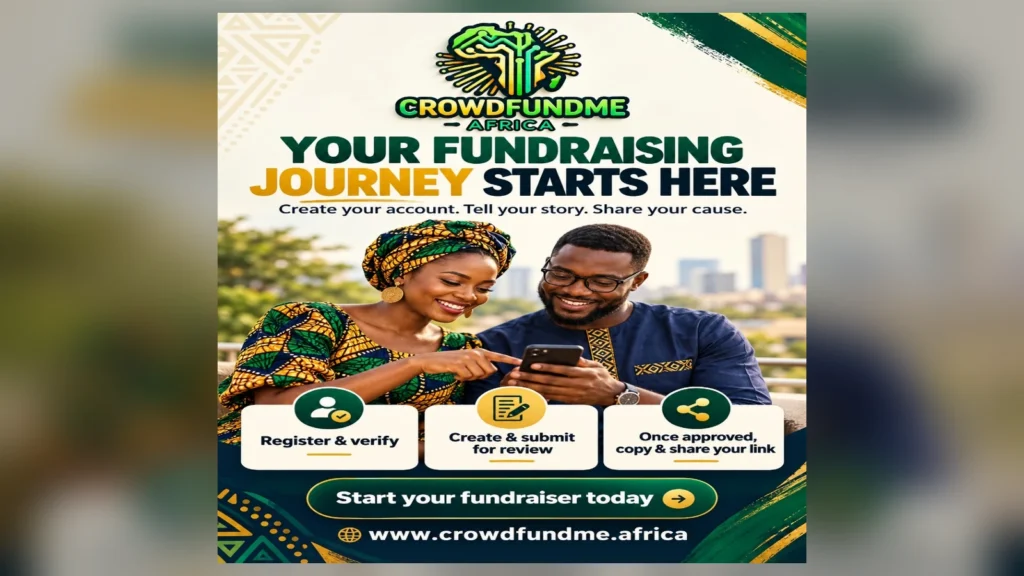
Go to www.crowdfundme.africa and click Register. If you already have an account, click Log in.
Step 2: Create your account
Choose the account that suits you:
- Individual: For personal fundraising or raising money for someone else.
- NGO / Organization: For charities, organisations and fundraising teams.
Enter your first name, last name, email address and a password containing at least 10 characters. Read and accept the Terms and Privacy Policy, then click Create account.
Step 3: Confirm your email and complete your profile
Follow the instructions to confirm your email address and complete the account details requested.
Your account profile identifies the person or organisation behind the fundraiser. Your campaign page explains the particular project you want people to support.
Step 4: Complete verification
Follow the verification instructions in your account. You may be asked for identity information or organisation documents. Provide the requested information and check your account for the outcome.
Step 5: Start your fundraiser
Once signed in, select Start a Fundraiser and follow the campaign creation instructions.
Prepare the following information for your funding profile:
- Campaign title: A clear name explaining your cause.
- Beneficiary: Who will receive the help.
- Campaign story: What happened, why support is needed and what donations will achieve.
- Funding target: A realistic amount based on your costs.
- Use of funds: A breakdown explaining how the money will be spent.
- Photos, video or evidence: Relevant materials that help people understand your request.
For example, instead of simply writing “Help my business,” use a title such as “Help Me Buy Solar Equipment for My Community Business.”
Step 6: Save, check and submit
Save your progress while preparing the campaign. Check your figures, spelling, images and explanation before submitting it for review.
CrowdfundMe reviews new campaigns before they become public. If changes are requested, correct the information and resubmit. Share your campaign once it is approved.
Step 7: Get your campaign link
You do not need to create a link yourself.
On your approved public campaign page:
- Select Share.
- Find Short fundraiser link.
- Select Copy.
- Paste the copied link into WhatsApp, Facebook, email, SMS or another message.
Each campaign has its own link. Copy the link from your own fundraiser, so donors reach the correct campaign.
Alternatively, open your public campaign page and copy its full address from your browser’s address bar.
Step 8: Share your QR code
The sharing panel also provides a campaign QR code. Select Download QR to use it on posters, flyers or event materials. People can scan it to open your fundraiser.
Step 9: Send the link to potential donors
Add a short personal message explaining your request:
“Dear family and friends, I am raising funds for [project or cause]. Your contribution, however small, would help us [explain the impact]. Please read my story and donate through my campaign link: [paste your copied link]. If you cannot donate, please help by sharing. Thank you.”
Start with family, friends, colleagues, former schoolmates, community groups and diaspora contacts.
Step 10: How donors contribute
Donors open your link, read your campaign and select Donate. They choose a suggested amount or enter another amount, then continue to checkout using an available payment provider.
Step 11: Manage your fundraiser
Return to your account to manage the campaign, publish progress updates, thank supporters and follow the payment and payout instructions provided.
Remember: Creating a campaign is the beginning. Sharing your link consistently and keeping supporters informed helps your fundraising effort.